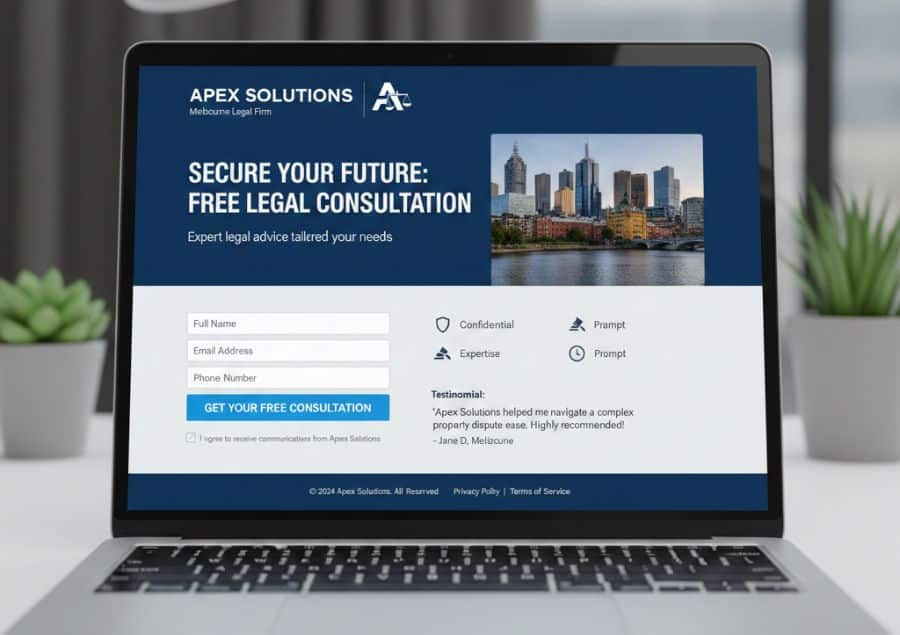
If you’ve ever wondered why some businesses seem to effortlessly collect leads while others struggle to get even a single form submission, the difference almost always comes down to this: their lead capture pages & forms are built with intention, clarity, and modern user behaviour in mind.
Today, with shorter attention spans, higher privacy expectations, and smarter AI-driven search—your ability to turn visitors into leads will depend heavily on how well you design your lead capture pages & forms, landing pages, and the value exchange behind them.
How to Create Lead Capture Pages & Forms
Contents: Jump to a Section
- 0.1 How to Create Lead Capture Pages & Forms
- 0.1.1 1. Start with an Irresistible Lead Magnet
- 0.1.2 2. Keep Your Forms Short and Stupid-Simple
- 0.1.3 3. Craft Copy That Sells the Form (Not Just Your Offer)
- 0.1.4 4. Build Trust with Visual Proof and Security Signals
- 0.1.5 5. Make Sure Everything Works Beautifully on Mobile
- 0.1.6 6. Place Your Forms Where People Are Ready to Convert
- 0.1.7 7. Test Everything and Keep Improving
- 0.2 How AI Is Changing Lead Capture
- 1 A Small Change in Your Forms Can Lead to Big Wins
Let’s dive in and break down exactly how to build lead capture pages & forms that people actually want to fill out, using strategies that work beautifully for Australian service businesses, trades, creatives, online stores, and everything in between.
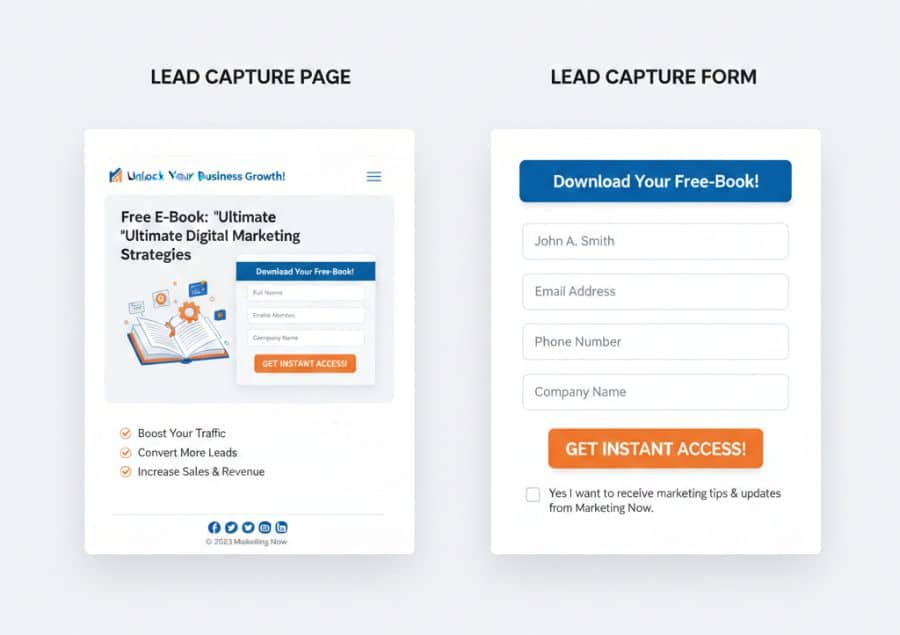
1. Start with an Irresistible Lead Magnet
People won’t hand over their details unless they feel they’re getting something meaningful in return. That’s why the most successful lead capture pages & forms always begin with a strong lead magnet.
Make It Solve a Real Problem
Your offer should address a specific pain point your customers struggle with.
Examples:
- A plumber: “Download Our Emergency Leak Checklist”
- A personal trainer: “Get Your Free 7-Day Meal Plan”
- A marketing consultant: “Steal My 30-Day Content Calendar for Local Businesses”
The clearer the benefit, the higher the conversion rate.
Make It Specific and Instantly Delivered
Generic offers like “Join our newsletter” don’t work anymore. Instead, aim for instant gratification:
- “Download Your Free Template”
- “Get Your Copy Right Now”
- “Access the Guide Instantly”
Set up an automated email that delivers the resource immediately—this builds trust and conditions users that you follow through on your promises.
2. Keep Your Forms Short and Stupid-Simple
The number one reason people abandon forms? Too many fields.
In an age where customers expect speed and convenience, your goal is to remove friction.
Ask for Only What You Need
Top-of-funnel offers require minimal details:
- Name
That’s it.
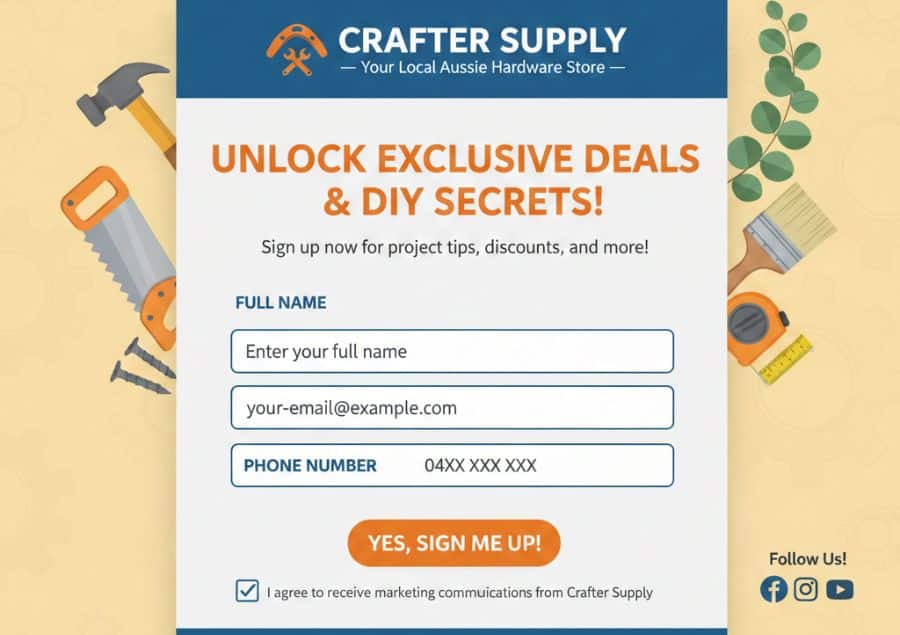
For service businesses needing more info (e.g., electricians, cleaners, wedding suppliers), use a multi-step form instead of a long one-page form. Studies show multi-step forms increase completion rates by 20–40% because they feel less overwhelming.
Use Single-Column Layouts
This improves readability and makes your lead capture pages & forms easier to complete on mobile—which is where most Aussies browse, especially after hours and on weekends.
3. Craft Copy That Sells the Form (Not Just Your Offer)
One of the biggest reasons lead capture pages & forms fail is because the copy is too boring, too vague, or too technical.
Lead with a Clear, Benefit-First Headline
Instead of:
- “Download Guide”
Try:
- “Learn How to Boost Your Local Sales in 7 Days—Free Guide Inside”
Make Your CTA Button Irresistible
Avoid generic buttons like:
- Submit
- Sign Up
- Send
Replace with action-focused verbs:
- “Get My Free Guide”
- “Send It to Me”
- “Show Me How”
Label Forms Clearly
Avoid ambiguity. Use:
- “Email Address”
- “First Name”
- “Business Name”
Clear labels reduce confusion and increase trust.
4. Build Trust with Visual Proof and Security Signals
Users today are far more protective of their personal information. If your lead capture pages & forms don’t look trustworthy, they simply won’t enter their details.
Show Social Proof
Include:
- Reviews
- Testimonials
- “Join 3,200+ subscribers”
- Case studies
- A short sentence like: “Used by local businesses across Sydney & Melbourne”
This is especially powerful for tradies, wedding suppliers, consultants, and health specialists.
Show Security & Privacy Reassurance
Add small trust cues:
- A link to your privacy policy
- Secure icons
- “No spam. Unsubscribe anytime.”
These tiny details can boost conversions by up to 15%.
5. Make Sure Everything Works Beautifully on Mobile
Mobile responsiveness is no longer optional. Most Australians browse and submit forms on their phones—not desktops. How do you structure and optimise your lead capture pages & forms for mobile?
Mobile Must-Haves
- Large, easy-to-tap fields
- Buttons that span the full width
- No zooming required
- No horizontal scrolling
- Forms positioned high on the page
If your landing page or form breaks on mobile, you’ve lost the lead.
6. Place Your Forms Where People Are Ready to Convert
Even the best-designed form won’t perform if it’s hidden.
Where to Put Lead Capture Forms
- Above the fold on landing pages
- Inside relevant blog posts (e.g., guides, how-tos, checklists)
- Exit-intent pop-ups
- Sidebar on desktop
- The top of your homepage
- Inside your service pages
Combine this with strong contextual copy like:
“Get your free renovation budget calculator—no email spam, ever.”
7. Test Everything and Keep Improving
The highest-performing businesses don’t “set and forget” their lead capture pages & forms—they constantly optimise.
A/B Test One Change at a Time
Test variations of:
- Headlines
- Form length
- CTA button text
- Images
- Layouts
- Lead magnet titles
A simple change like updating your CTA from “Submit” to “Get My Free Estimate” can increase conversions significantly.
Track What Matters
Use:
- Google Analytics
- Hotjar heatmaps
- Conversion tracking in your CRM
Monitor:
- Form completion rate
- Abandonment rate
- Lead quality
- Which channels produce the best leads
Data—not guesses—will guide your improvements.
How AI Is Changing Lead Capture
AI-driven search and conversational assistants like ChatGPT have changed how people explore brands. Your lead capture strategy should reflect that.
Smart Personalisation
With AI-driven web builders and automation tools, you can customise your landing pages to show:
- Different offers for repeat visitors
- Location-based headlines
- Custom CTAs based on browsing behaviour
This increases relevance and boosts conversions.
AI Chat-Based Lead Capture
Instead of traditional forms, some businesses now use:
- Mini chat funnels
- AI-driven pop-up assistants
- Interactive question flows
These often convert better because they feel conversational and reduce friction.
AI-With-Human Follow-Up
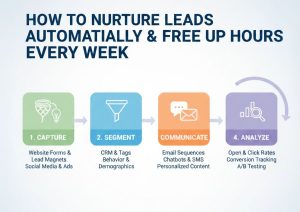
Collect leads with a simple form, then nurture them using:
- Email automation
- SMS follow-up
- Chat-based reminders
This hybrid approach builds trust faster and keeps leads engaged.
A Small Change in Your Forms Can Lead to Big Wins
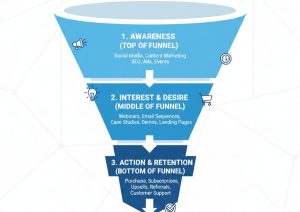
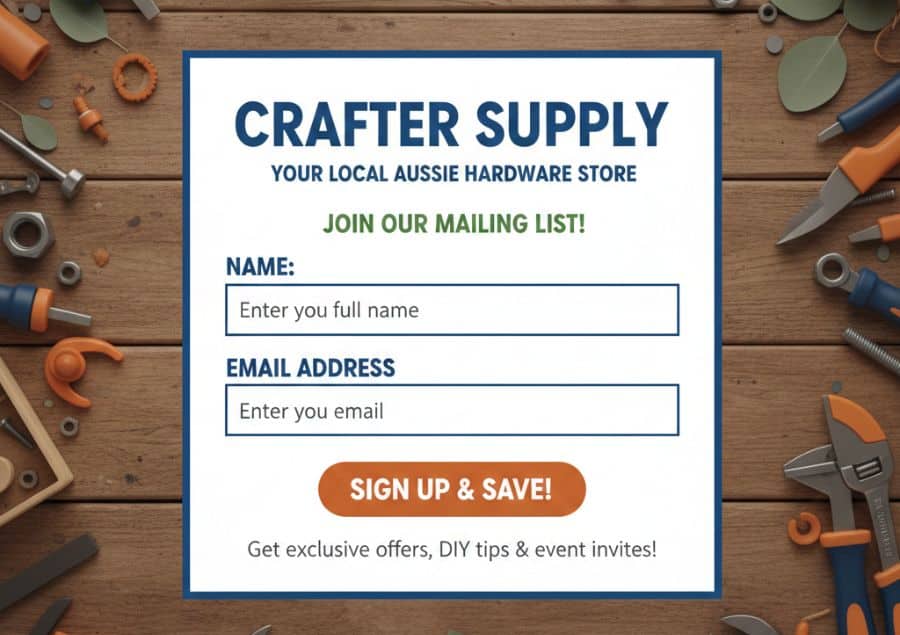
Your lead capture pages & forms are the gateway to your entire marketing funnel. When you improve them—even slightly—you’ll instantly see more leads, more conversations, and more sales.
If you want help building high-converting lead capture pages & forms for your business, Call us at 0483 969 993 or Contact us today. We can set up the strategy, design the pages, build the automations, and turn your website into a consistent lead-generating machine.